Scroll your
books, not
the timeline.
You're going to scroll anyway. Might as well scroll your books.
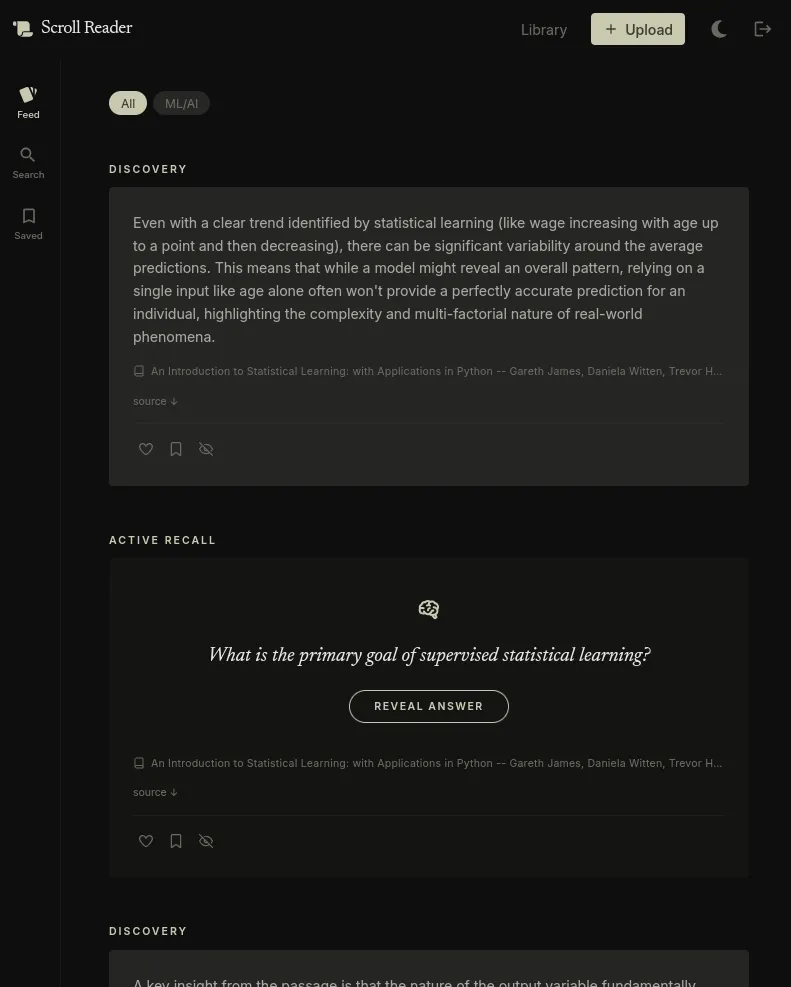
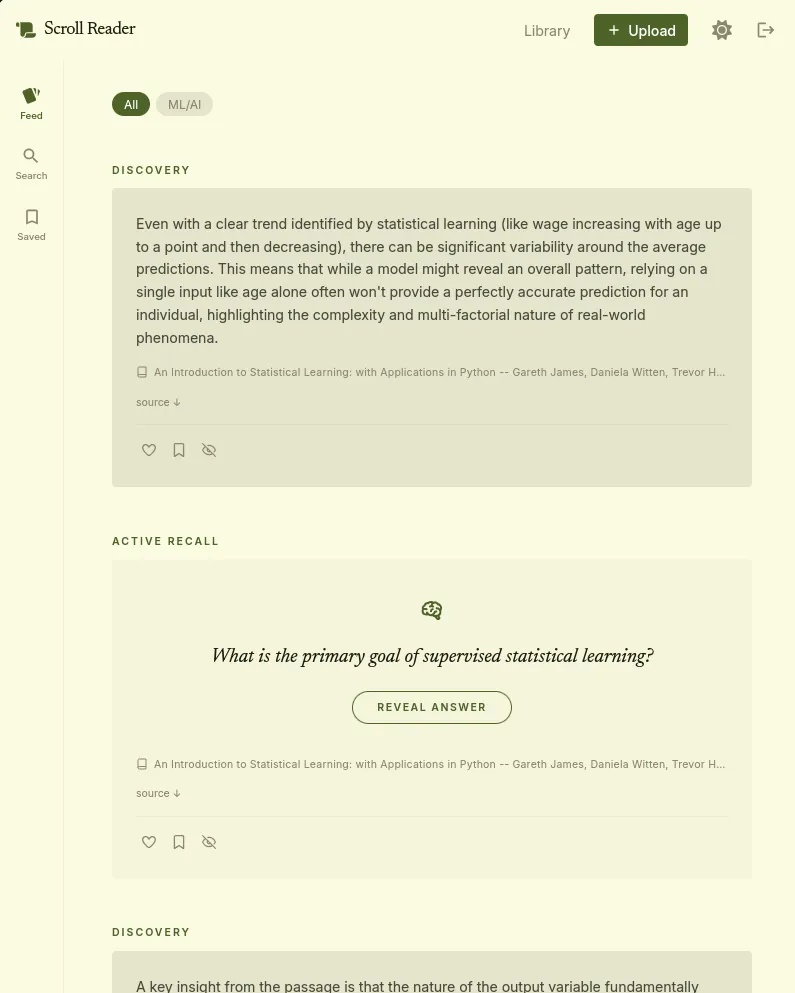
You're going to scroll anyway. Might as well scroll your books.
The Manifesto
Social feeds are designed to keep you scrolling. Scroll Reader turns that same habit toward your own library instead.
No ads. No algorithmic recommendations. No content you didn't choose.
Drop in an EPUB or PDF. We pull out the text, divide it into sections, and pick up images along the way.
We send passages to Google's Gemini model, which generates cards — a quiz question, a pulled quote, a concept comparison, a glossary term.
Cards appear in a vertical feed. Read one, skip one, save one. How you scroll shapes what comes back and when.
The core idea of the passage, distilled. What it says and why it's worth knowing.
A marginal note: a tension surfaced, an assumption questioned, a connection made. Opinionated.
The exact words from your text. Surfaced when the excerpt is worth sitting with on its own.
A multiple-choice question on a concept from the passage. Four options, one right answer, explanations for each.
A question with a hidden answer. Tests whether you've actually absorbed the idea.
Two ideas from the passage set against each other. What's the difference, and why does it matter.
A term from the text, defined as the author uses it. Etymology where it's interesting.
More card types are in progress.
Upload and start reading. No setup. Runs on our servers. Free to start.
Start ReadingComing later: A self-hosted Docker version for full control over your stack, and a desktop app that processes documents locally with your own AI.
This just makes it scrollable.
Upload your first book →